Add a Training Plan
This feature lets you import a structured training plan into the app, tailored to your profile. Two approaches are offered, depending on your situation.
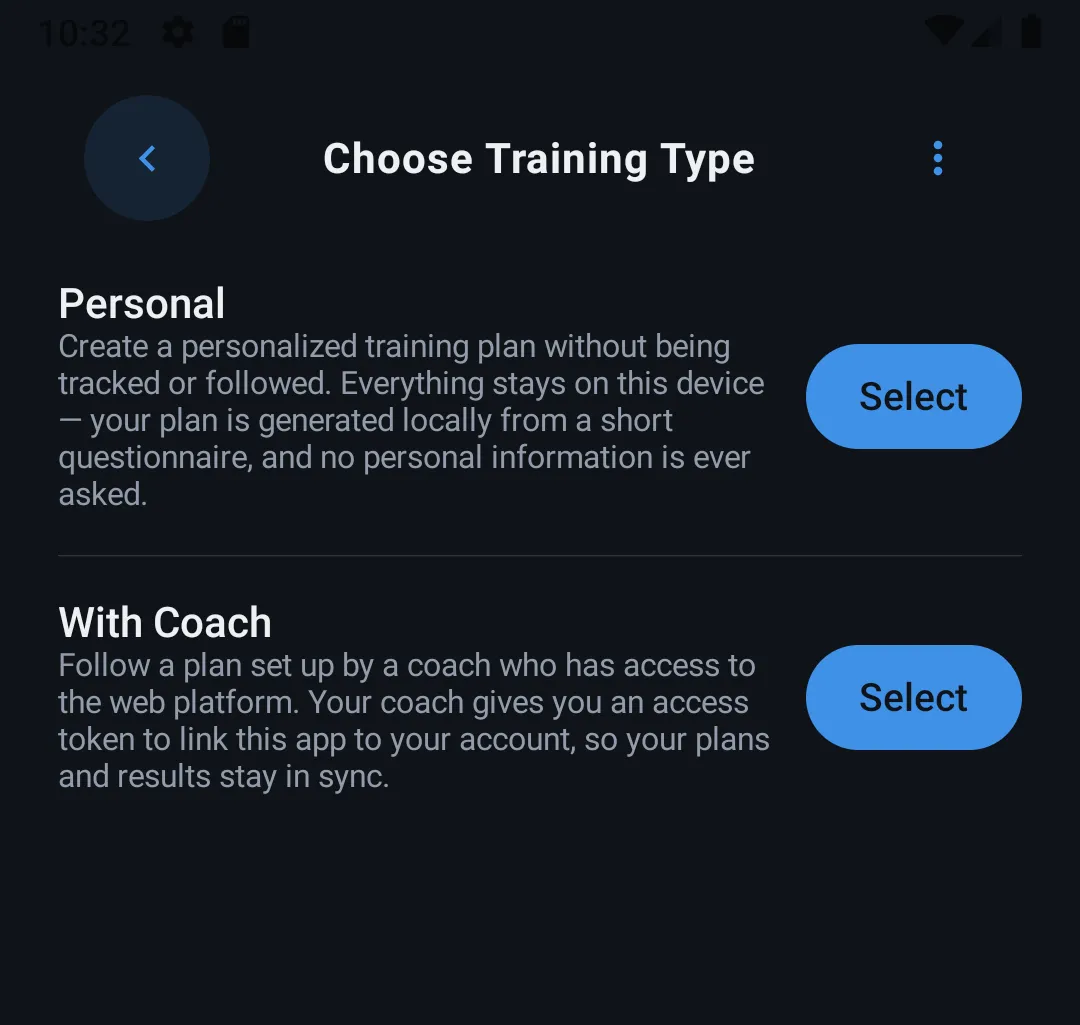
Choosing a training type
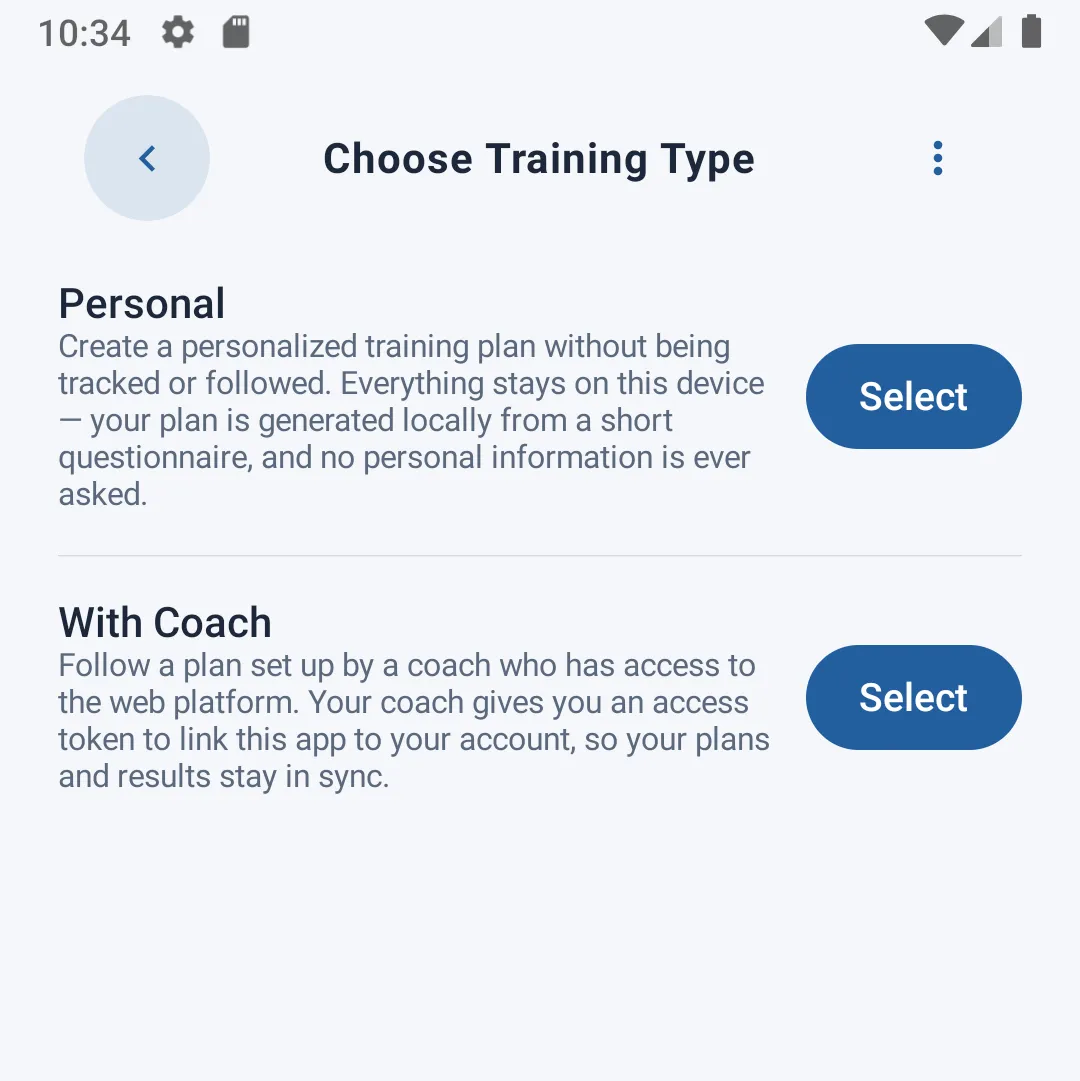
On first access to this section, two options are presented:
- Personal — you don't have a coach. The app will generate a personalized training plan based on your answers to a short questionnaire.
- With Coach — you're coached by someone who uses the NOTRACKRUN web platform to build a custom plan for you.
"Personal" option — custom questionnaire
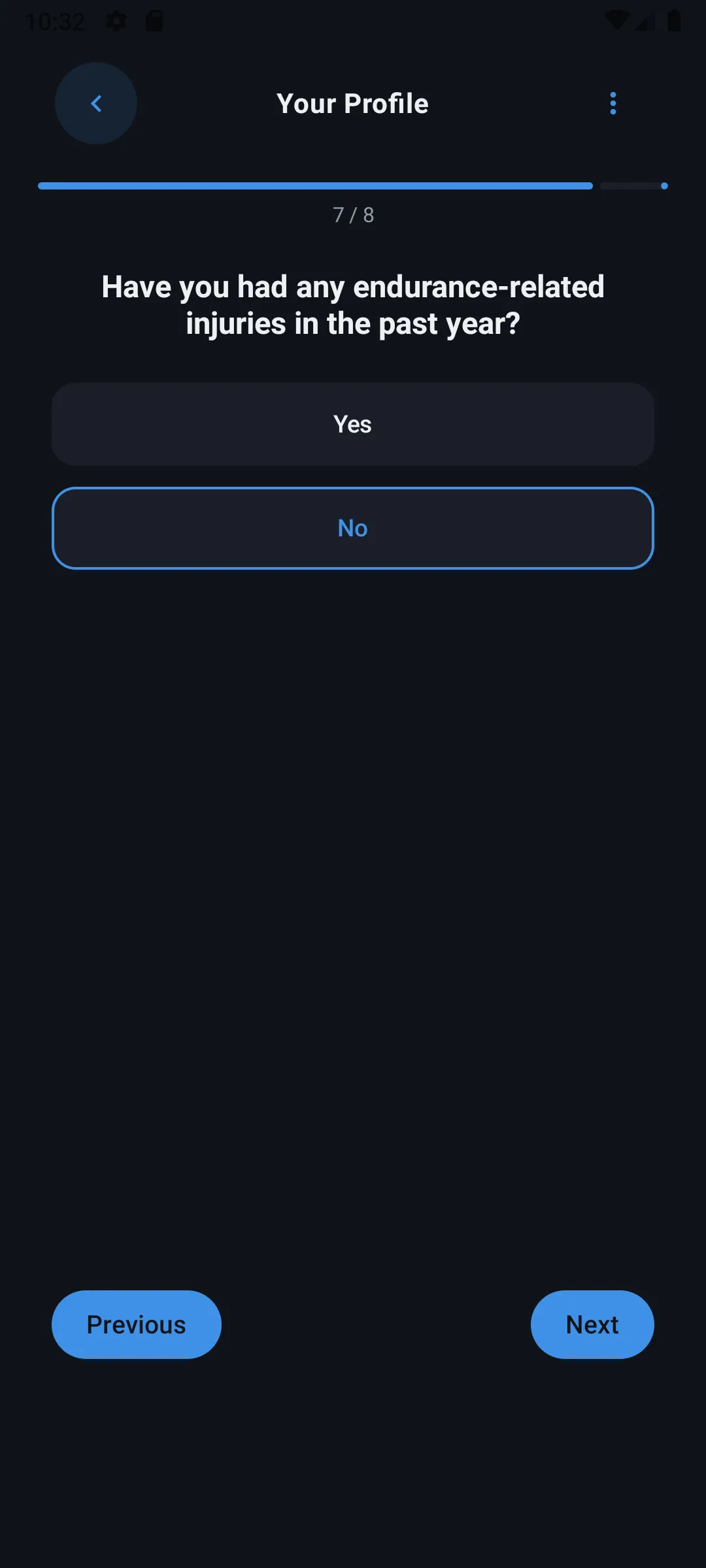
If you choose this option, a short questionnaire is presented, preceded by an introduction explaining the process.
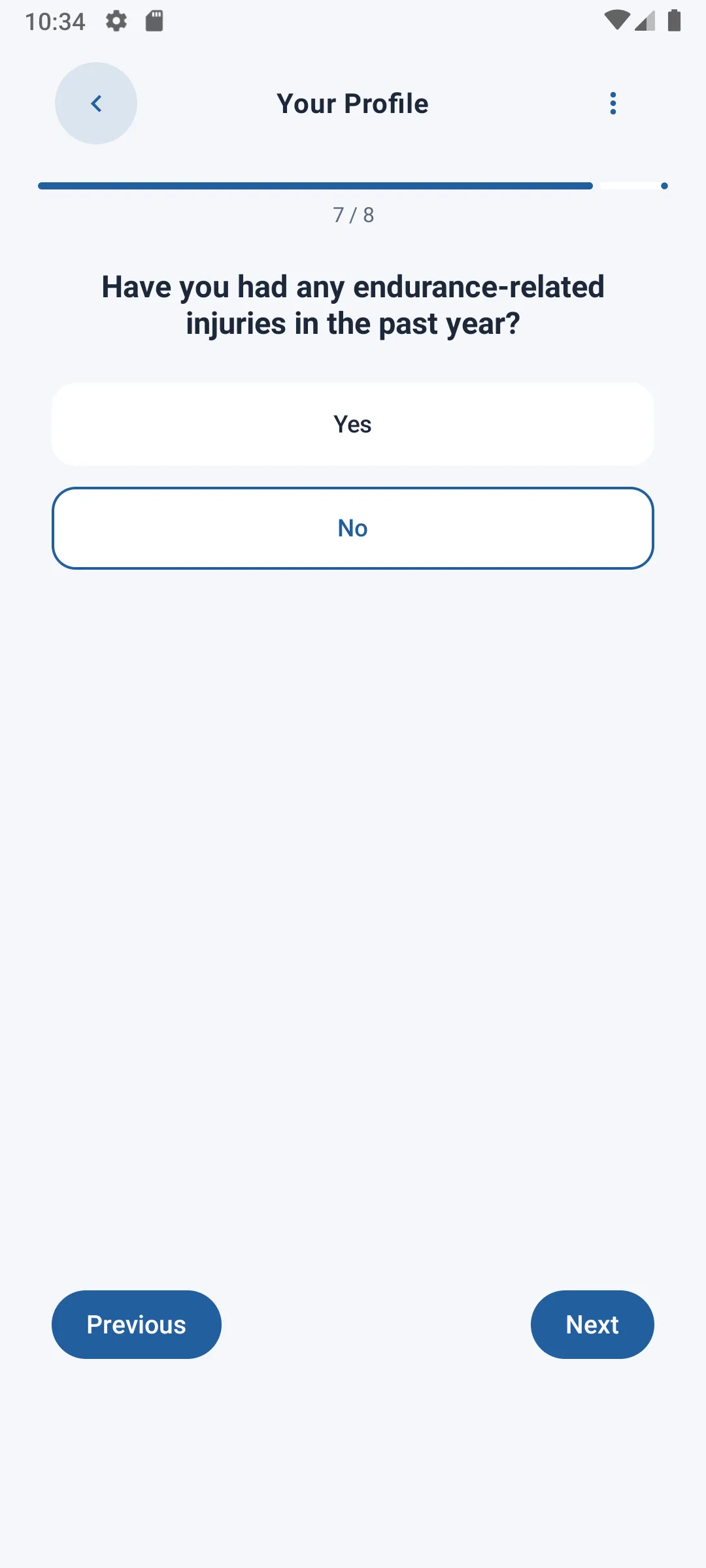
You then answer questions one by one (level, goals, availability...), with a progress bar showing where you are. You can go back to change a previous answer at any time.
Once all questions are answered, tap Finish: the app sends your answers anonymously, and a personalized training plan is automatically generated and saved locally on your device. No personally identifiable information is sent — only your questionnaire answers.
"With Coach" option — coach follow-up
This option is for users coached by someone with access to the NOTRACKRUN web platform. The coach prepares and customizes your training plan there, which the app then retrieves.
First use — account activation
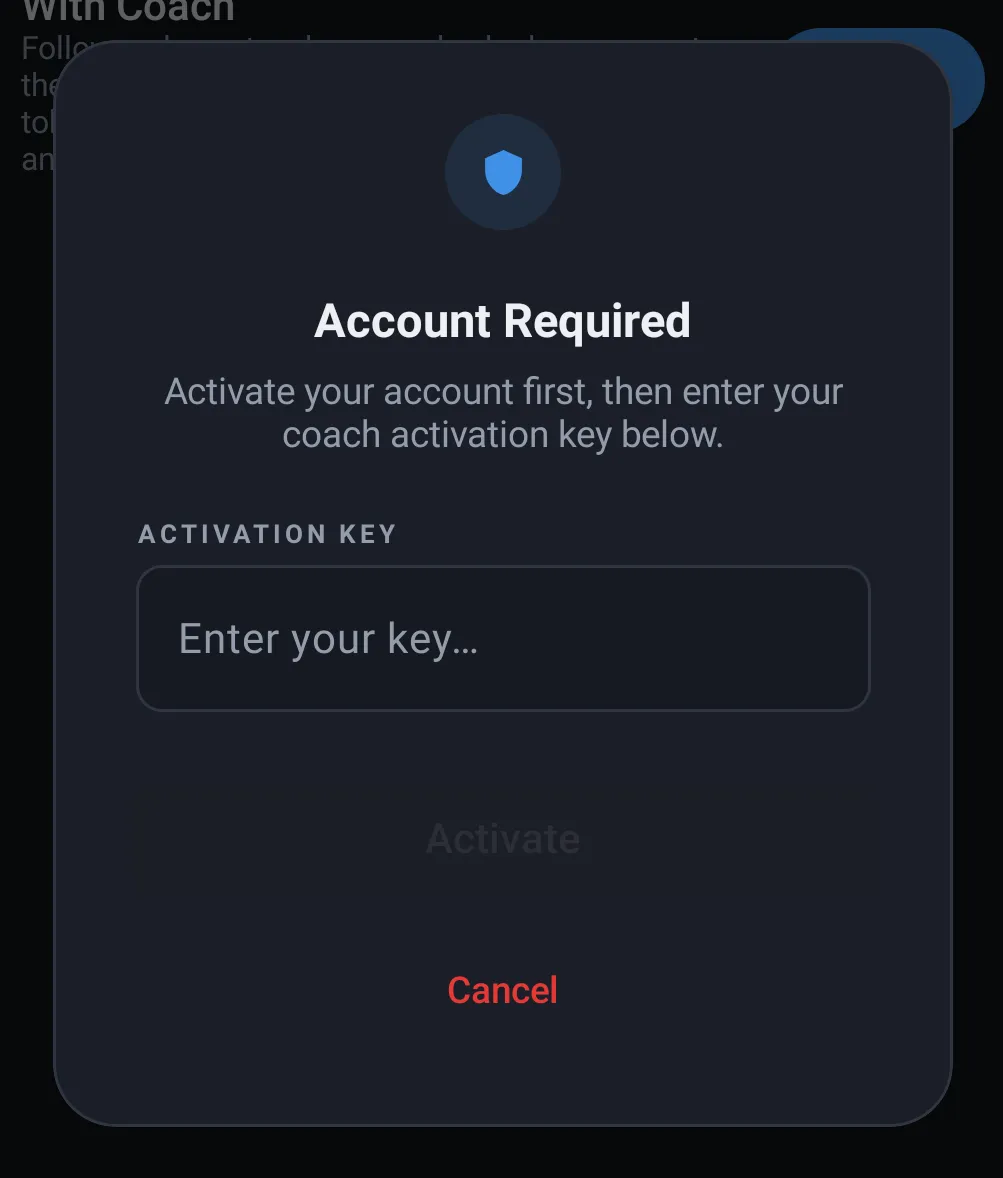
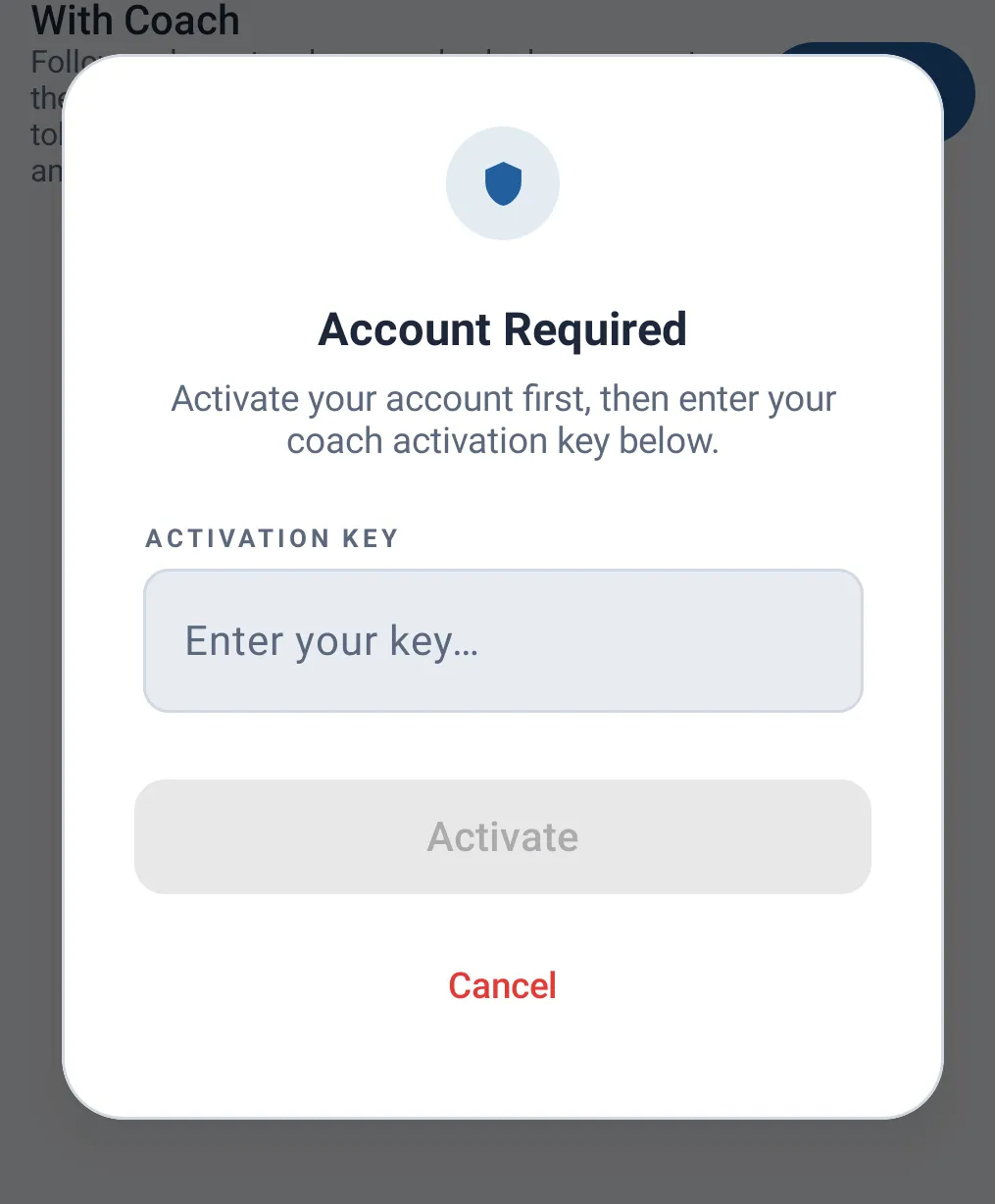
If this is your first time using this option, you first need to activate your account using an activation token provided by your coach.
Retrieving the plan
Once your account is activated (or directly if it already was), the app contacts the web platform to automatically retrieve your training plan.
If loading fails (e.g. a network issue), a message lets you retry.
Following up with your coach
Unlike Personal mode, when you follow a With Coach plan, your session results are automatically sent to your coach via the web platform, in addition to being saved locally on your device. This lets them track your progress and adjust your plan if needed.
Summary — which option to choose?
| Personal | With Coach | |
|---|---|---|
| Requires a coach | ❌ | ✅ |
| Plan creation | Via questionnaire | By your coach, on the web platform |
| Data storage | Local only | Local + sent to coach |
| Progress tracking | Visible only to you | Shared with your coach |